10 Reasons Your Website Traffic Isn’t Converting
December 16, 2025 by
taylor
share this post
You’re getting traffic to your website. The dashboard shows visitors every day. SEO is working. Ads deliver clicks. But the phone stays silent. The inbox sits empty. Revenue hasn’t moved.
Sound familiar? You’re not alone.
At Some Marketing, we see this every week. Business owners invest in traffic to your website. Then nothing turns into leads or sales. If you’ve ever asked “why my website traffic isn’t converting?” this guide is for you.
Traffic alone doesn’t guarantee conversions.
The average website converts just 2.9% of visitors. That’s 97 people leaving for every 3 who act. This article covers the common reasons websites fail to convert and the analytics-first fix that works.
Why Isn’t My Website Converting Despite High Traffic?
The problem is rarely “not enough traffic.” It’s broken tracking, bad user experience, or wrong messaging.
Ten thousand visitors who never buy? Worth less than one hundred who do. Yet most businesses chase volume and ignore quality.
They install Google Analytics and think they’re “data driven.” They’re not. They’re staring at pageviews. Pageviews don’t answer the real question: what made someone become a customer?
Pageviews are vanity metrics. Conversions are actionable data.
This blind spot hides conversion issues. If you can’t tell which ad and landing page created your last three customers, you have a tracking problem. Every optimization becomes a guess.
At Some Marketing, we won’t run ad spend on broken tracking. We’ve seen too many businesses burn money on a lot of traffic that produces nothing. These are the top reasons your website fails to convert, and how to fix them.
Is “Insider Blindness” One of the Reasons Why Your Website Isn’t Converting?
You use your website daily. That’s why you can’t see its biggest flaws.
You know where the contact form is. You know how navigation works. First-time visitors don’t. This gap is a top reason websites fail to convert.
You can’t optimize conversions on a site users can’t navigate.
Picture a store with jammed doors and no lights. That’s what a broken website feels like to visitors. Fix the basics before testing headlines.
The fix? Fresh eyes. Ask someone outside your company to use your site. Have them find a product. Fill a form. Complete checkout. They’ll spot friction you’ve missed for months.
Tools like Microsoft Clarity show session recordings of real visitors. Watch where they get stuck. This beats assumptions every time.
Does Your Landing Page Match What Website Visitors Expect?
When your landing page doesn’t match the ad that brought someone there, they leave.
Someone clicks your ad. They have clear expectations. Your page doesn’t deliver. They hit back within seconds. Your bounce rate climbs. Your ad spend dies.
The promise in an ad should echo word-for-word in your headline.
This mistake happens all the time. Businesses send paid traffic to a homepage. Someone searches “emergency plumber downtown.” They land on a page with fifteen services across three cities. They bounce. A competitor wins.
Message-matched landing pages can increase conversions by over 200%. Build a dedicated page for every major campaign. One audience. One message. One action.
This boosts Quality Scores. It lowers cost-per-click. Improving your Quality Score from 5 to 8 can slash your CPC by 30-50%. It increases your chances of converting traffic into paying customers.
Are You Attracting the Right Website Traffic with Your SEO Strategy?
Your site might be fine. You might just be attracting the wrong audience.
If your SEO strategy has you showing up for people learning about your space, great. If you’re never ranking for people looking to buy? That’s a problem. This is one of the common reasons websites fail to convert even with high traffic.
Keyword selection makes the difference. “What is digital marketing” = research mode. “Digital marketing agency Halifax” = ready to buy. Rank for the first but not the second? You’ll get visitors who never become customers.
Getting traffic only matters when it’s the right kind of traffic.
Commercial intent keywords convert at rates above 10%. Comparison and “vs” keywords convert at 8.43% on average, the highest of any SEO keyword type. Buyers who find content through search engines have a close rate 8x higher than those who don’t.
Value-driven content matters. But if it’s your only play, you’re building an audience, not a customer base. That model works for publishers running ads. Not service businesses.
Open Google Analytics. Compare keyword performance against conversion rates. Some pages drive organic traffic but zero leads. Other pages get less traffic but are more likely to convert.
Shift your SEO efforts toward commercial-intent keywords. Attract the right audience. Stop wasting budget on the wrong audience.
Is Your Site Optimized for Mobile Users?
Check your analytics. If mobile converts worse than desktop, you have a problem.
As of 2025, 64.35% of all website traffic comes from mobile devices. A site that isn’t optimized for mobile will scare off visitors long before your checkout. Many won’t even wait for your site to load if it takes more than 3 seconds.
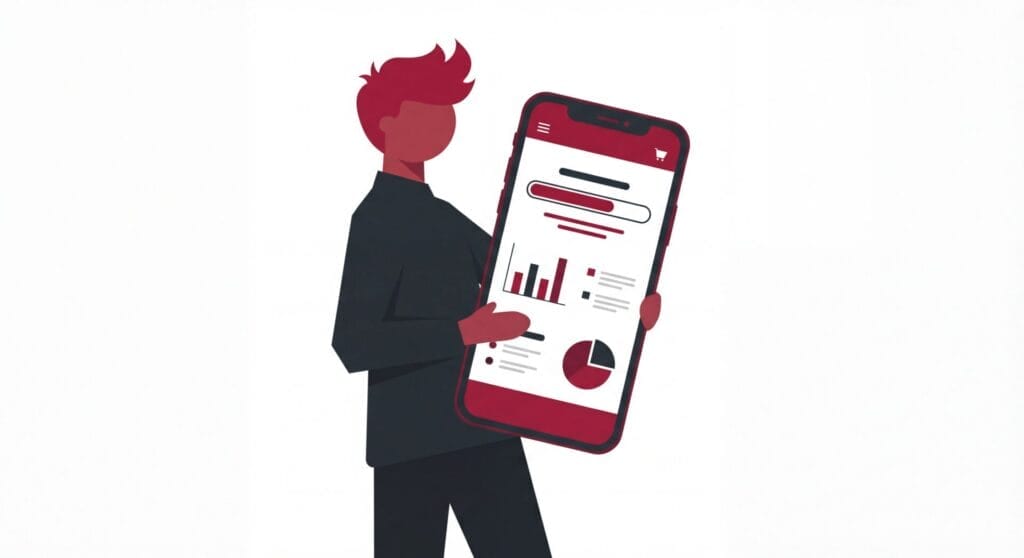
Owners miss this because they use desktops. But on phones: buttons are too small. Text needs pinching and zooming. Forms become impossible. Mobile pages take 70% longer to load than desktop, and 53% of mobile visitors abandon sites that take longer than 3 seconds to load.
A site that isn’t mobile-optimized turns away most of its visitors.
These aren’t minor annoyances. They stop conversions cold. Someone ready to make a purchase leaves. They find a competitor whose site works. Desktop conversion rates average 3.9% compared to mobile’s 1.8%. That gap is costing you money.
Run Google PageSpeed Insights. Check load times and page speed. Sites loading in 1 second have conversion rates 2.5x higher than those loading in 5 seconds. Compare mobile vs desktop conversion rate in your website analytics.
Make navigation small-screen-simple.
Keep forms short.
Make CTAs easy to tap.
Optimizing your site for mobile delivers fast wins. You’re removing barriers for most of your audience.
How Does Confusing Navigation Kill Website Conversions?
When visitors can’t find what they need, they leave.
Every extra click increases abandonment. Visitors are leaving money you could have earned. 88% of users won’t return after a bad experience, and 89% will shop with a competitor instead.
Good navigation feels invisible.
Visitors should find services, products, pricing, and contact info in seconds. Menu labels need plain language. No jargon. A clear navigation bar guides people toward conversion.
Watch session recordings. You’ll see someone open wrong menus. Scroll back and forth. Give up. After ten recordings of people who left without converting, fixes become obvious.
Simplify navigation. Make key actions visible on every page. This alone can increase conversions.
Is Your Website Copy Missing Trust Signals That Convert?

Without trust signals, visitors won’t convert. They have no reason to believe you.
Bad website copy lists features without benefits. It makes claims without proof. It asks for action without giving reasons. This is one of the reasons your website isn’t converting even when traffic looks good.
Your homepage hero must answer three questions fast: What do you do? Who is it for? What should I do next?
Kill buzzwords like “Innovative Solutions for Modern Challenges.” Say this instead: “Digital Marketing That Gets You More Leads in Less Time.”
Claims without evidence smack of marketing buzz. People pick up on buzzwords and bluster, especially in the online era. Proof turns those claims into trust.
Show real customer reviews. Displaying just five product reviews can increase conversion rates by 270%. Luxury items see an even more dramatic 380% boost. Display testimonial quotes, or better yet a video testimonial. Create case studies with results.
These trust signals give hesitant visitors confidence. Adding trust signals can boost conversion rates by up to 20%. Without them, 49% of consumers see your site as a red flag for fraud.
A poor website without credibility signals won’t convert visitors into customers. No matter how much traffic it gets.
Do You Have Clear Call to Action Elements That Convert?
If visitors don’t know what to do next, they do nothing. This may sound silly but the way you help them figure it out is by telling them.
Missing or weak call to action elements are top reasons visitors don’t convert. Every page needs one clear action.
A strong call to action tells visitors what happens when they click. It gives them a reason to act now.
“Submit” is weak. It says nothing. “Get Your Free Quote” says everything. Drop passive phrases like “Learn More.” Use action words: “Book Your Consultation” or “Download the Guide.” Buttons need contrasting colours so they’re attention grabbing and impossible to miss.
After you’ve done that, put them above the fold. Right there after your headline. The next step someone should take has to be the first thing a visitor sees.
People don’t linger long if they don’t find what they’re looking for. People are lazy, and someone else will tell them what to do if you won’t.
David Ogilvy’s words of wisdom have never gone out of style.
“On the average, five times as many people read the headline as read the body copy. When you have written your headline, you have spent eighty cents out of your dollar.” – David Ogilvy
Heatmaps show if CTAs get attention. Your best button might sit below the fold where no one sees it. Fix placement. Use stronger language. Watch conversions climb.
Don’t hedge your bets on potential customers being willing to put in the work. It’s your job to do that for them. In fact, you should be doing it for them at every opportunity.
That means don’t stop once you’ve put that button in your hero section.
Give your clients a chance to opt into your offer every chance you get. If you think you’re overdoing it, you’re getting close to the right amount.
Why Does Checkout Friction Destroy Conversions?
The average cart abandonment rate is 70.22%. Most friction happens at checkout. E-commerce retailers lose approximately $18 billion annually due to abandoned carts.
A checkout process that asks too much kills sales. Account creation requirements kill sales. Hidden costs kill sales. Slow load times kill sales.
Common problems: surprise shipping at the end (48% of shoppers abandon for this reason), forced registration, unnecessary form fields. Each creates doubt. Visitors pause. Reconsider. Leave.
Mobile cart abandonment is even worse at 75.5%, compared to 69% on desktop. First-time buyers abandon carts at 78% compared to returning customers’ 56%.
Run funnel analysis. You might find hundreds add to cart. Only a handful finish.
Reducing checkout friction delivers better conversion rates faster than any other fix.
Remove every unnecessary field. Show all costs upfront. Offer guest checkout. Make it fast. Make it mobile-friendly. Small changes catch buyers who were ready to pay.
Are You Using Analytics to Diagnose Conversion Issues?
Are You Using Analytics to Find Why Visitors Don’t Convert?
You can’t fix what you don’t measure.
Businesses with low conversion never diagnose the problem. Their website analytics track pageviews only. Not actions. Without event tracking, you’re guessing.
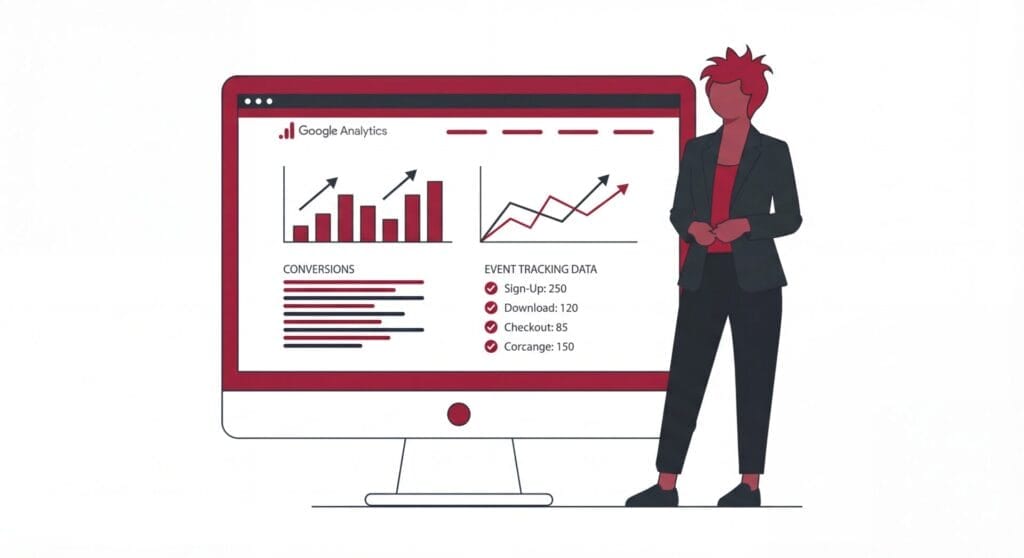
Google Analytics shows where conversion breaks, but only if set up right. Track form submissions. Track button clicks. Track checkout steps. Track phone clicks. Mark them as conversions.
Then reports show which sources, pages, and campaigns produce results. Without this, analytics show visitors but not user behavior.
Run a website audit of your tracking. Fill your own forms. Click your own buttons. Walk through checkout. Check if events fire.
If your website still isn’t converting after changes, data shows where to focus. This foundation matters for improving conversion rates long-term.
At Some Marketing, we build measurement systems before touching ad budgets.
How Do You Re-Engage Visitors Who Won’t Convert on Their First Visit?
Only 2% of web traffic converts on first visit. Everyone else compares options, gets distracted, or waits.
Without follow-up, that traffic disappears. You’re leaving money on the table.
Most visitors won’t convert on their first visit. Follow-up brings them back.
Retargeting ads show past visitors what they viewed. Build audiences by visitor behaviour.
Viewed product but didn’t buy? They may have doubts about your product.
Added to cart but didn’t checkout? A complicated cart or sticker shock with shipping may have scared them off.
Those users aren’t likely to need the same messaging to get them back to your site.
Retargeted visitors are 70% more likely to convert than cold traffic, but only if you speak to their needs. Retargeted ads deliver click-through rates 10x higher than new audience ads.
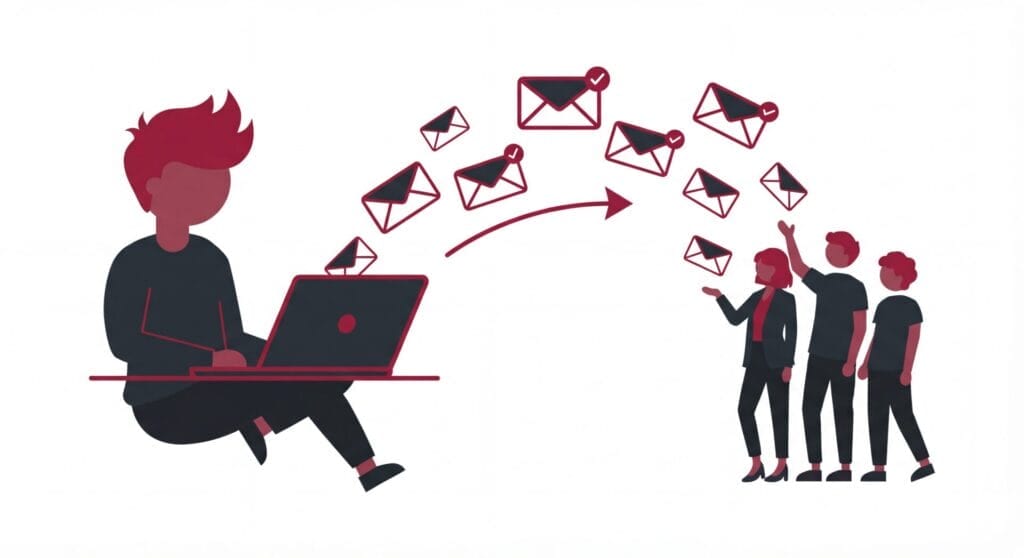
Cart abandonment emails have a 41.8% open rate and 10.7% conversion rate. Use them.
For people not ready to buy, offer value. A checklist. A guide. A template. Trade it for an email. Then nurture with automated sequences.
This system runs while you sleep. It recaptures lost web traffic. It converts visitors who needed time.
Here’s why follow-up matters: repeat customers represent only 8% of customers but generate 41% of revenue. They spend 2-2.5x more per order. First-time buyers have a 27% chance of making another purchase, but that jumps to 62% after their third buy.
That’s how websites that convert beat those chasing new traffic only.
Key Takeaways: Common Reasons Your Website Fails to Convert
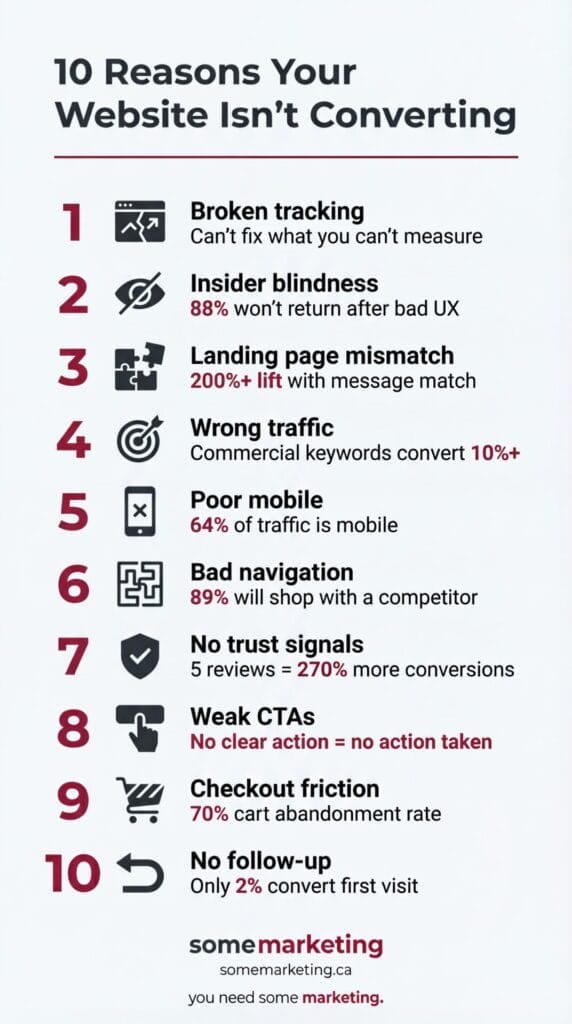
Your website traffic isn’t converting? It’s usually one of these 10 issues: broken tracking, insider blindness, landing page mismatch, wrong traffic, poor mobile experience, confusing navigation, missing trust signals, weak CTAs, checkout friction, or no follow-up system. Work through each one. Use data to measure.
You don’t need more traffic. You need better data and a smarter system.
INFOGRAPHIC: Common Ways to Improve Your Conversion Rate By Winning The Right Traffic
Here’s a visual summary of the conversion killers covered in this post.
Embed this infographic:
Want to share this infographic on your site?
Copy Embed CodeWritten By

taylor
Taylor Thain is the founder of Some Marketing, a Google Partner agency, and Marketing Director for a five-location automotive dealer group. With 10+ years in digital advertising and analytics, Taylor has delivered a 360% increase in lead generation while cutting marketing costs by 42%. His conversion-focused strategies have achieved on-page conversion rates of 12.75%, more than double the automotive industry benchmark. Taylor is Google Ads and Google Analytics certified.